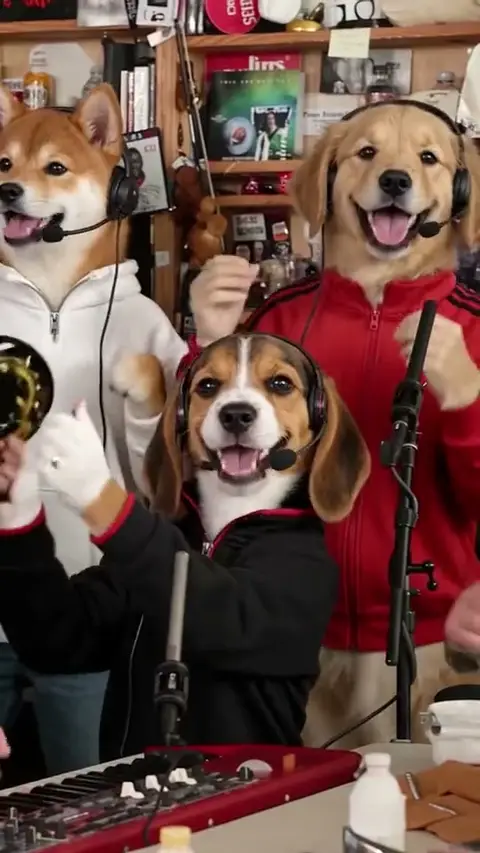
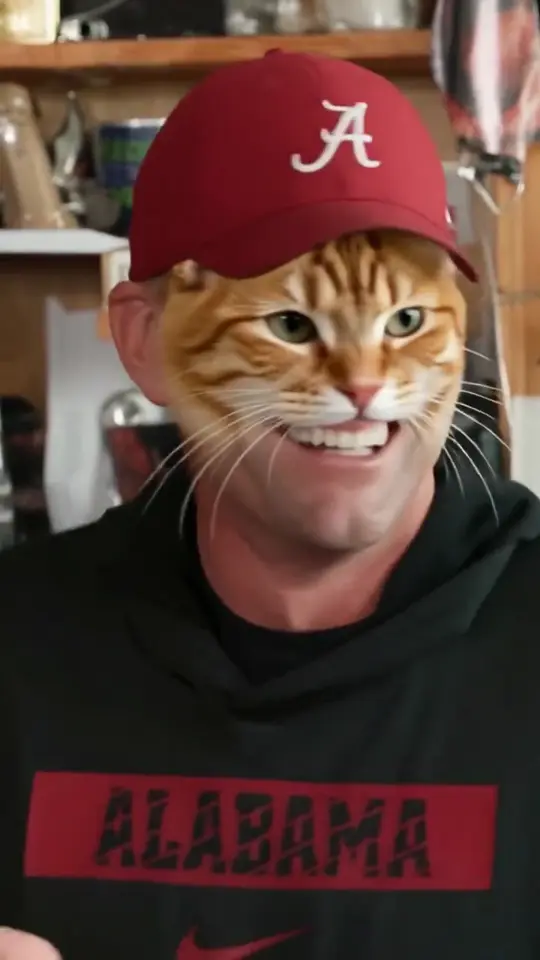
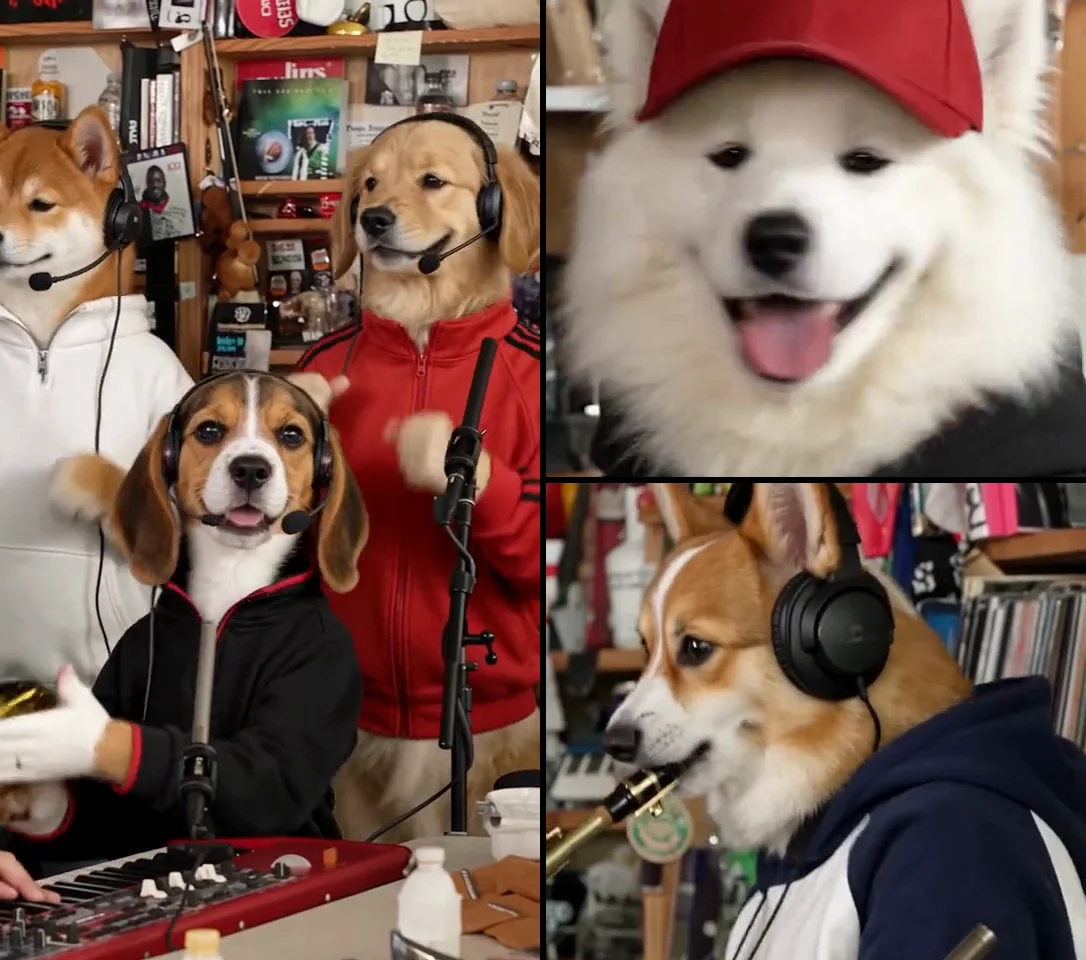
What you need
- A photo of each person you want in the band — one to five people.
- A free account (email or Google).
- $9.99 for one video. The price is the same for one person or five. See pricing.
Coaches, players, friends and celebrities are all fine as an obvious parody. No one under 18.
Step 1: Pick a seat
The stage has the same five seats as the viral clip:
| Seat | Who it is in the clip | When they’re on screen |
|---|---|---|
| Lead | The singer at the front mic | Opening close-up and the big laugh — about 7.7 seconds |
| Back left | Backing singer, white shirt | The band shot and the finale |
| Back right | Backing singer, red jacket | The band shot and the finale |
| Keys | Keyboard player | The band shot, the edge of the sax solo, the finale |
| Sax | Saxophone player | The sax solo |
Put the person the video is about on lead: they get the two longest and closest shots. The template breakdown has the exact timings.
Shortcuts above the stage: Just me on lead, Whole band and Back row only.
Step 2: Add a photo for each seat
Tap a seat and choose a photo, or drag one onto it on a computer. On a desktop you can also scan a code to send photos from your phone. Any seat you don’t fill keeps the original performer, so a one-person video still has the full band behind them.
Which photos work
- One person, facing the camera. Crop a group shot down to the one face you want.
- Sharp and evenly lit. Daylight by a window beats a dark bar.
- Head and shoulders to waist up. A full-body photo makes the face too small.
- Nothing over the face. No sunglasses, masks, hands, hats pulled low or hair across the eyes.
- A real photo. No cartoons, AI avatars or beauty filters.
- Plain clothes help. Big logos and prints can show up in the shot.
Step 3: Tick the box and press make
Confirm that everyone pictured is 18 or older and that you’re making a parody, then press make. One credit is used. If the render fails for any reason, the credit comes back on its own.
You can close the tab. The video keeps rendering, and it’s waiting in My Videos when you sign back in.
Step 4: Download and post
You get:
- A 9:16 MP4, about 19 seconds, 720×1280, with the original “Outstanding” audio mixed back in, in sync. No watermark.
- A silent copy of the same video.
Posting to TikTok, Reels and Shorts
- The song isn’t ours to license, so an app can mute it or limit the post. If that happens, upload the silent copy and add “Outstanding” from the app’s own sound library.
- Say it’s a parody in the caption, and use the app’s AI-generated label if it has one. TikTok and Instagram both ask for this on realistic AI edits.
- The trend moves with sports weekends: new coach versions land after Saturday’s college games and Sunday’s NFL slate. Office, family and group-chat versions work any day.
If it doesn’t come out right
Most problems come from the photo. What to look for, and what we do:
| What you see | Likely cause | What to do |
|---|---|---|
| The face doesn’t look like them | Side angle, blur, something over the face | Re-render free with a sharper, front-facing photo |
| A logo or print appears on their clothes | Busy clothing in the photo | Re-render free with a plain-clothes photo |
| The original performer is still in a seat you filled | The edit missed that shot | Free re-render or refund for that video |
| A frozen or garbled shot, no sound, won’t play | A broken render | Free re-render or refund for that video |
| The video failed or was refused | Render error or a photo the model won’t use | Nothing — the credit is already back |
Tell us within 7 days from My Videos or at support@tinydeskailab.com. The details are in the refund policy.
The facts
- Length: about 19 seconds, five shots, the original cut.
- Format: MP4, 9:16, 720×1280, H.264 video with AAC audio.
- People: any 1–5 seats; empty seats keep the original band.
- Price: $9.99 a video, $24.99 for 3, $59.99 for 10. One-time payment, no subscription, credits don’t expire.
- Photos: deleted automatically within 30 days. See privacy.
TinyDesk AI Lab is an independent fan tool. It is not affiliated with NPR, Tiny Desk Concerts, Charlie Wilson or The Gap Band; Tiny Desk is a trademark of NPR.