Step 1 — Choose the right photos
The photos you upload matter more than anything else. The AI video model uses them to keep each person recognizable while it invents the performance.
Good photos
- One person (or pet) per photo
- Face toward the camera, eyes visible
- Even, natural light — daylight by a window is perfect
- Sharp focus; at least 512 pixels on the short side
Photos to avoid
- Tiny faces in a big group shot
- Sunglasses, masks or hands covering the face
- Heavy beauty filters or cartoon effects
- Very dark, blurry or extremely wide panoramic images
Step 2 — Upload and cast your band
Open the generator and drag your photos in (you can also click to browse or paste from the clipboard). Each photo becomes a band member. Pick a role for each — vocals, sax, keys, guitar, drums or bass — and use the arrows to reorder. The first photo is the lead and gets the most screen time.
Step 3 — Pick a style
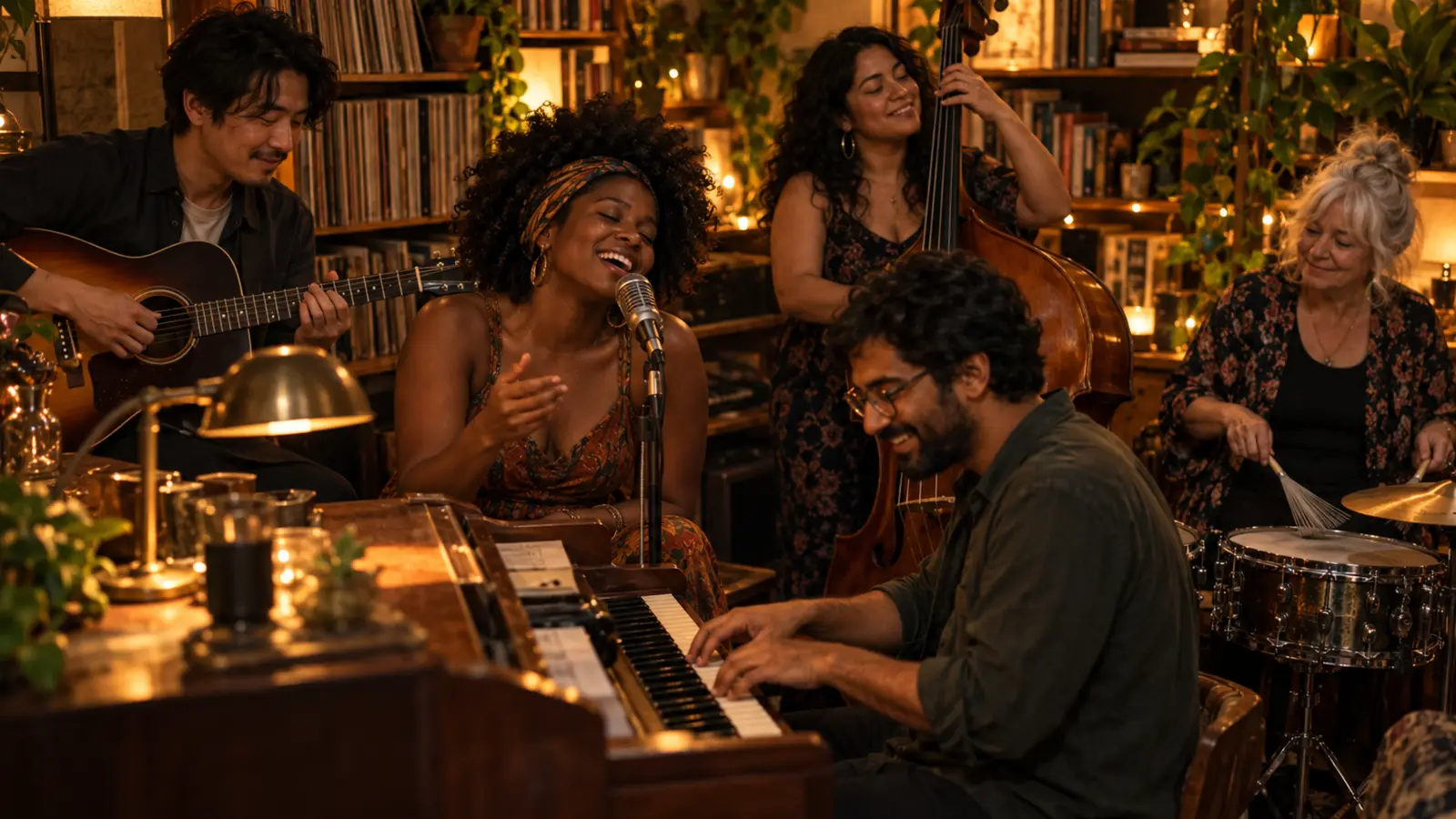
- Classic Desk — the cozy, bookshelf-lined original look.
- Soul Groove — the feel-good 80s R&B energy behind the Outstanding meme.
- Jazz Trio — late-night keys, bass and brushed drums.
- Indie Acoustic — fairy lights, guitars and harmonies.
- Pet Band — for cats, dogs and other furry performers.
Step 4 — Choose quality and format
| Quality | Output | Credits |
|---|---|---|
| Draft | 480p · 10s | 1 |
| Standard | 720p · 10s | 2 |
| HD Long | 720p · 15s | 3 |
Keep the vertical 9:16 format for TikTok, Reels and Shorts. Landscape 16:9 is available if you’re making something for YouTube or a presentation.
Step 5 — Add a direction (optional)
A short direction can steer small details: “matching red sweaters”, “the drummer is wearing headphones”, “everyone cheers at the end”. Keep it to one or two ideas — the style already handles the room, lighting and camera.
Step 6 — Generate, download and share
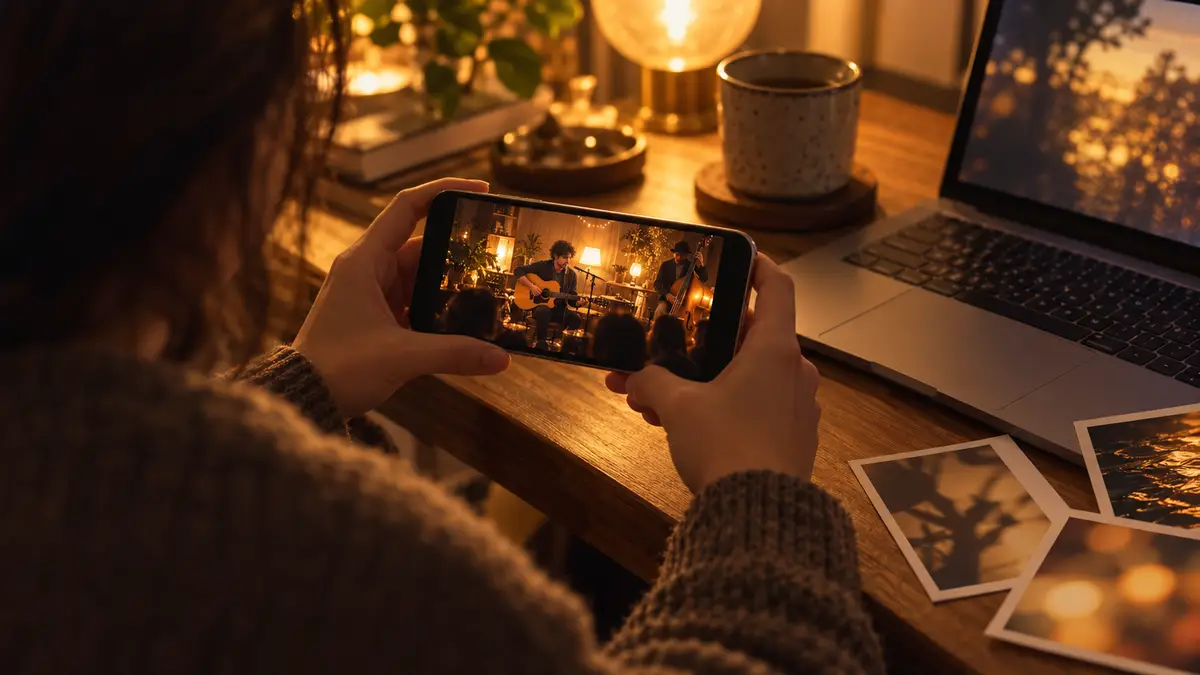
Tick the consent box to confirm everyone pictured agreed, then generate. You’ll see the video move through the queue and render steps; most finish in a few minutes. When it’s done, download the MP4 or share the link. Every video also lands in My Videos.
Common problems and fixes
- A face doesn’t look like the person — use a sharper, front-on photo and avoid filters.
- Someone looks out of place — photos taken in very different lighting blend less naturally; try images from the same day.
- The scene is too busy — fewer band members or Indie Acoustic gives a calmer result.
- The render failed — it happens occasionally; your credits come back automatically and you can try again.